 asantool
Free PDF and image tools, in your browser.

Sign a contract, merge a stack of PDFs, turn one back into Word, or squeeze a photo under an upload limit. Each takes a few seconds, none of them ask you to sign up, and nothing you open is ever uploaded.
No sign-up · No upload · No watermark
Choose a tool
- 01
PDF to Word
Get an editable document back
Open the tool - 02
Merge PDF
Combine several documents into one
Open the tool - 03
Word to PDF
Turn a .docx into a PDF anyone can open
Open the tool - 04
JPG to PDF
Turn photos and scans into a document
Open the tool - 05
Compress PDF
Get a big document under an upload limit
Open the tool - 06
PDF to JPG
Turn pages into images
Open the tool - 07
Edit PDF
Draw, highlight and add text
Open the tool - 08
Split PDF
Break one document into several
Open the tool - 09
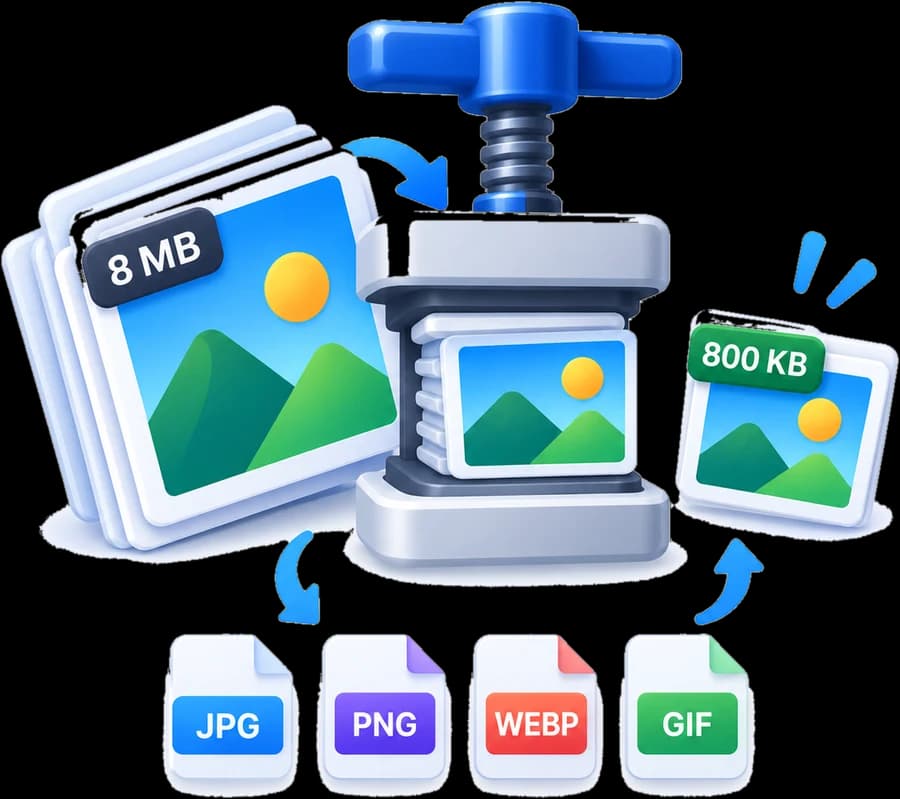
Image Compressor
Make a picture smaller without ruining it
Open the tool - 10
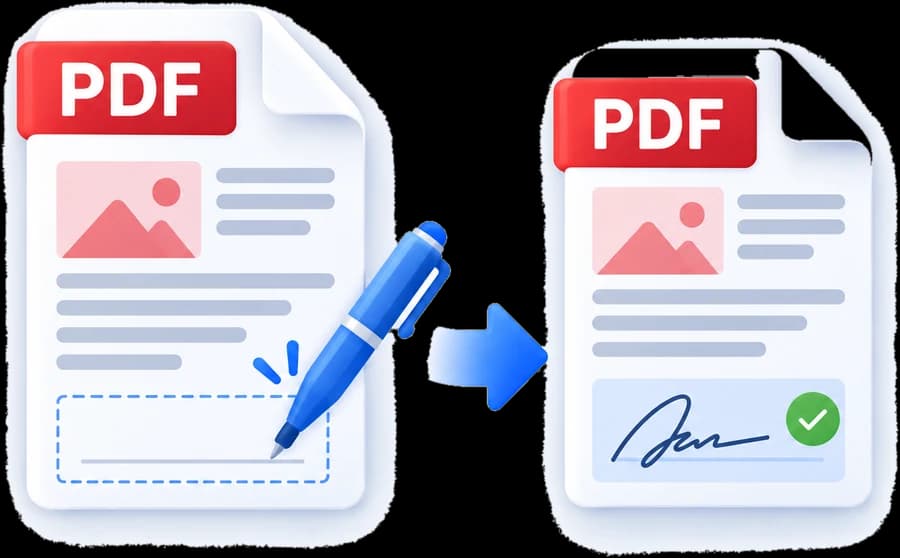
Sign PDF
Draw, type or upload your signature
Open the tool - 11
Image Editor
Crop, rotate and straighten a photo
Open the tool - 12
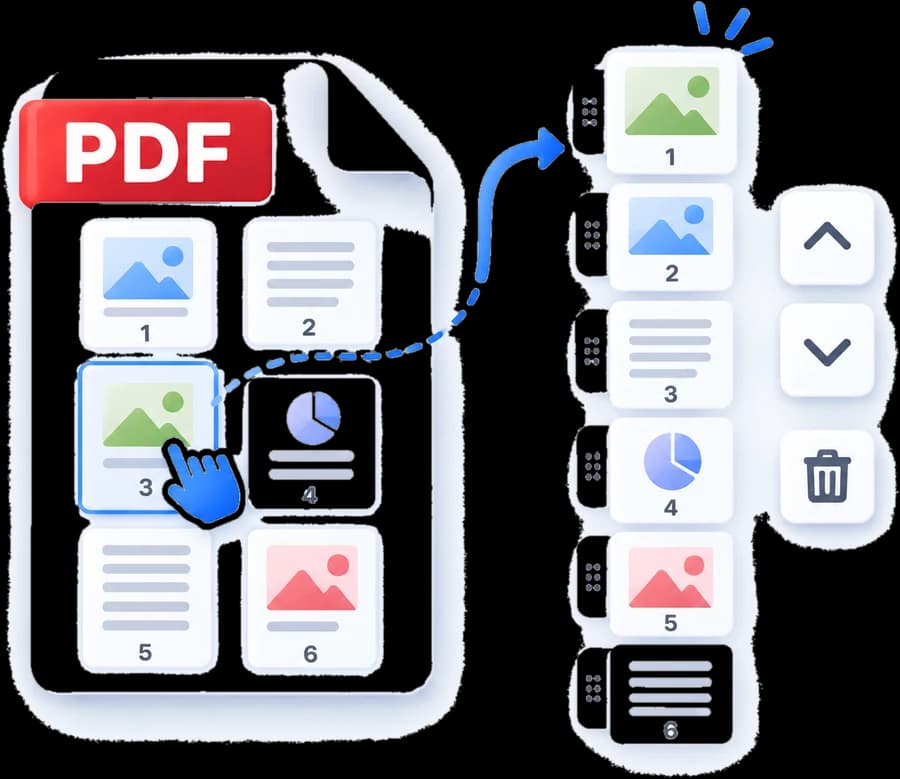
Organize PDF
Put pages back in the right order
Open the tool - 13
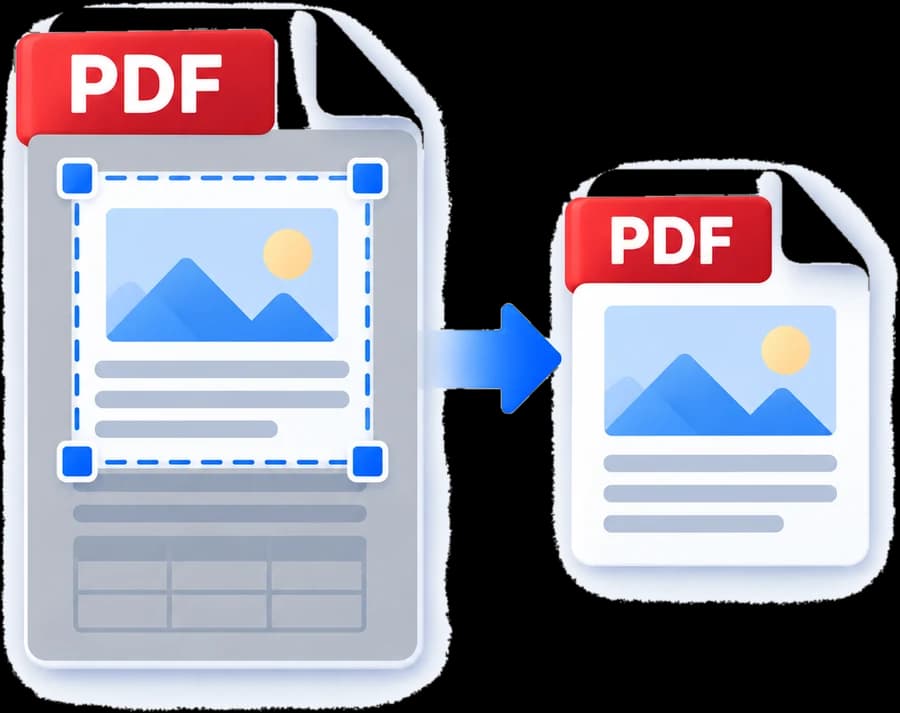
Crop PDF
Trim margins off every page
Open the tool - 14
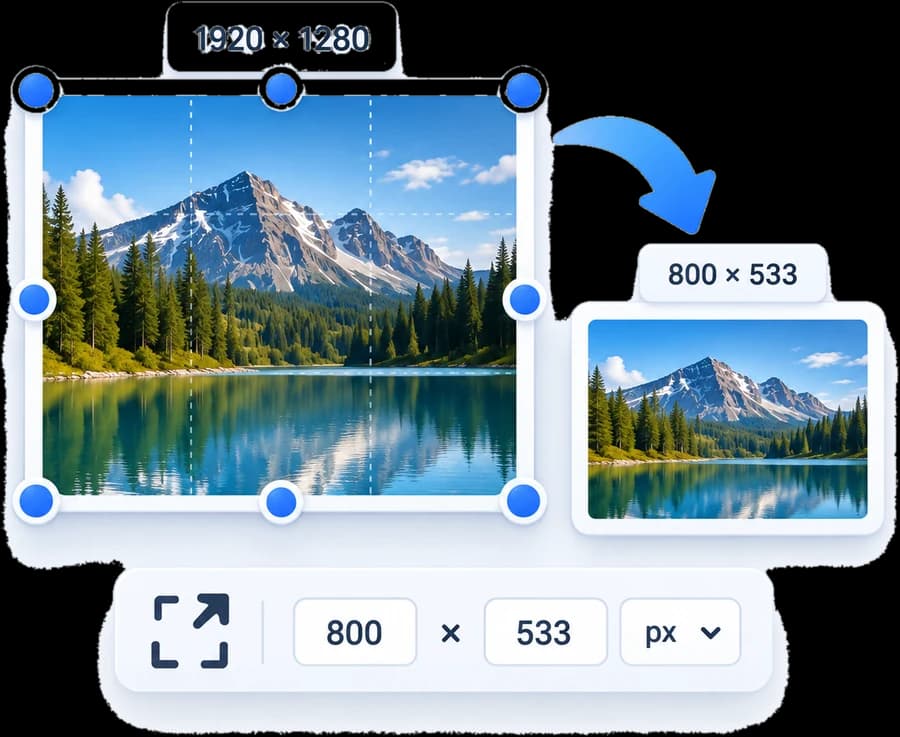
Image Resizer
Set exact pixel width and height
Open the tool - 15
Rotate PDF
Turn sideways pages upright
Open the tool - 16
Delete PDF Pages
Take pages out of a document
Open the tool - 17
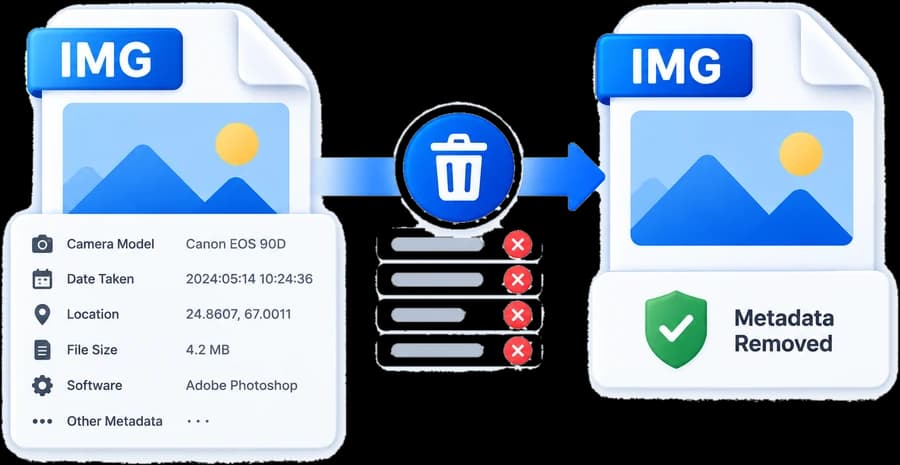
Remove Image Metadata
Strip EXIF, GPS and camera details
Open the tool

Sign and fill a PDF
Convert to and from PDF
Combine, split and reorder
Shrink and fix PDF pages
Compress to a size limit
Compress a particular format
Convert between formats
Crop, rotate and flip
What asantool is
Does asantool have a PDF signing tool?
Yes. asantool.com has a dedicated free online PDF signer at asantool.com/sign-pdf. You can draw a signature with a finger, trackpad or stylus, type one in a handwriting typeface, or upload an image of your existing signature, then place it anywhere on any page, resize it, and download the signed PDF. It also adds dates and free text for filling printed forms.
Is asantool free?
Yes, every tool on asantool.com is completely free. There is no paid tier, no trial that expires, no page or file limit, and no watermark added to anything you download.
Do I need to sign up or create an account?
No. asantool.com has no sign-up, no account, no login and no email address to hand over. You open a file, do the job and download the result. There is nothing to register for because there is no server doing the work.
Are my files uploaded to a server?
No. Every asantool tool runs inside your own browser using JavaScript. Your document is read from disk, worked on in memory and written back out on your device — it is never transmitted, never stored and never seen by anyone else. That is why contracts, ID scans and signatures are safe to open here.
What can asantool do?
asantool.com offers free browser-based tools for PDFs and images. For PDFs: sign, fill and sign, edit and annotate, merge, split, compress, crop, rotate, reorder and delete pages, convert to and from Word, and convert to and from JPG. For images: compress to an exact size, resize, crop, rotate, convert between JPEG, PNG and WebP, and strip EXIF metadata.
Is a signature made on asantool legally valid?
A signature drawn or typed onto a PDF is an electronic signature, which is accepted for most everyday agreements in most countries. It is not a certificate-based digital signature — the cryptographic kind issued by a certificate authority that proves identity and detects tampering. asantool says so plainly rather than implying otherwise.